Ten minutes
to your first song.
Three pictures explain how music is built; then the device, lesson by lesson, a few steps each.
Start with lesson 1 →Making music
The device
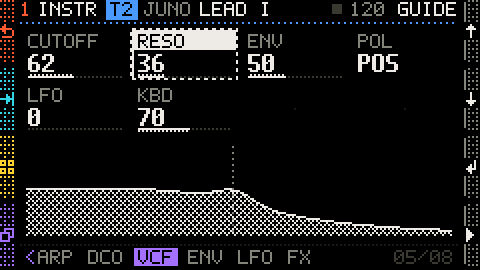
1The key areasFour areas, one job each.
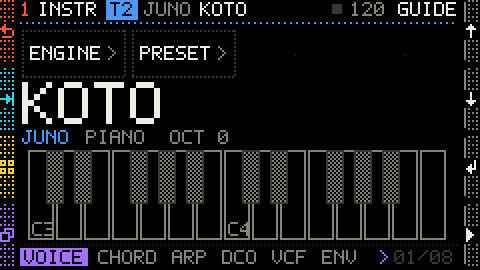
2Make a soundPlay the keys, change the sound.
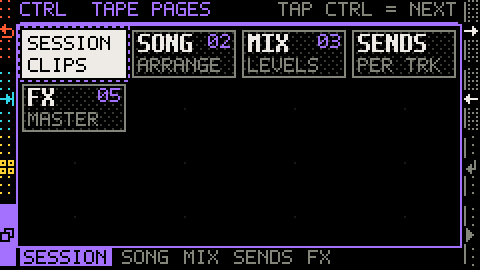
3Screens and pagesThe big screens are scenes; each has pages.
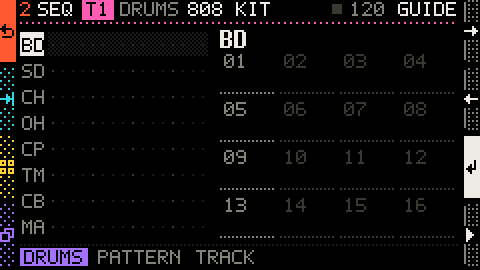
4TracksA track is like a player in a band: one on drums, one on keys, one on bass… each plays their own part, and together they make the song. Cardenza has 4 tracks: 4 players, a colour each.
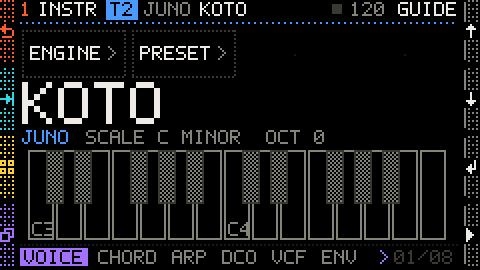
5ScalesPick a scale; whatever you play stays in it.
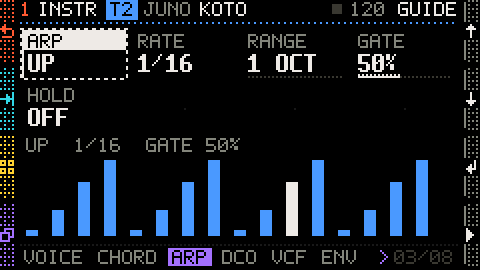
6Chords and arpeggiosOne key, many notes.
Your first song
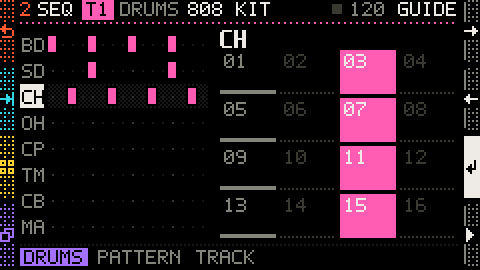
1The beatThese five lessons build a whole song, step by step. First the drums: kick, snare and hi-hat, one beat.
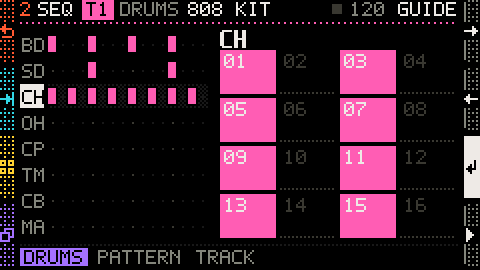
2A second beatA song has more than one part. Each part is a pattern: copy P01 into P02 and make it busier, for the chorus.
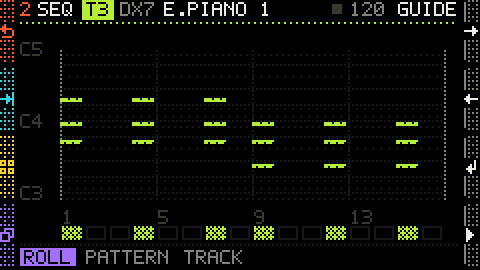
3Piano chordsT3 is an electric piano. With the chord on, a key is a whole chord: write two, Am and F.
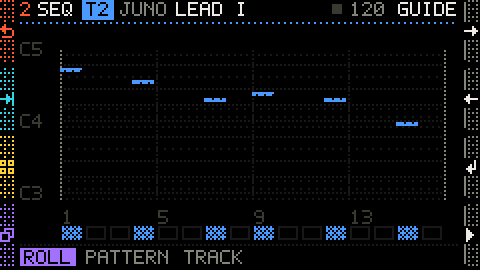
4The tuneT2 is a Juno synth: write a tune on it, 6 notes, all white keys.
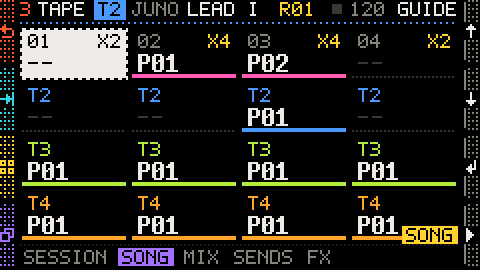
5Put the song togetherEverything is ready: the drums' P01 and P02, the piano, the tune. On the SONG page, put them in a row: intro, verse, chorus, outro.
Got a Cardenza?
Plug it in with a USB cable and allow MIDI when the browser asks: the device follows the lessons, the keys to press blink, and the page tells you when you have got it. No device? The pictures show every step.
The lessons use a practice project: your own work is left alone, and it is back as soon as you close this page.